You can adjust the volume in the main menu of your device. 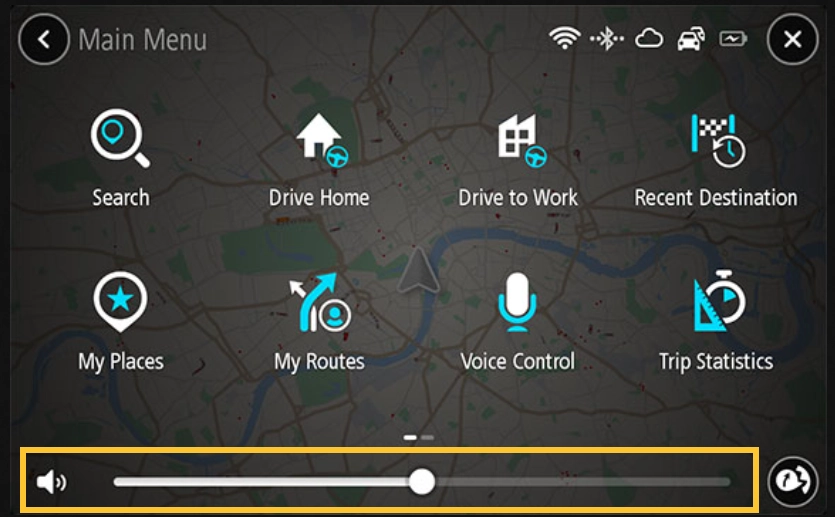
Drag the volume slider to change the volume for voice instructions and warnings. If the voice instructions are switched off the volume bar can still change the volume of the warnings.
You can adjust the volume in the main menu of your device.
Drag the volume slider to change the volume for voice instructions and warnings. If the voice instructions are switched off the volume bar can still change the volume of the warnings.
Chatbot
Our chatbot can guide you to more relevant information and help you further.
We have a new portal just for retail partners. The portal offers straight forward support, specifically catered to retailers. Fast, easy solutions, with no need to log in.
TomTom constantly releases new products, technologies, and functionalities. Visit us regularly, so you can always get the latest information!