To install a purchased map or new map on your Wi-Fi® device, make sure both your device and order are linked to the same TomTom account.
If your Wi-Fi® device already comes with additional maps without the need to purchase, you can simply install them by following the instructions below.
Install the map
- Tap the Main Menu in the bottom left corner and then tap Settings.
- Tap Maps or Map & Display.
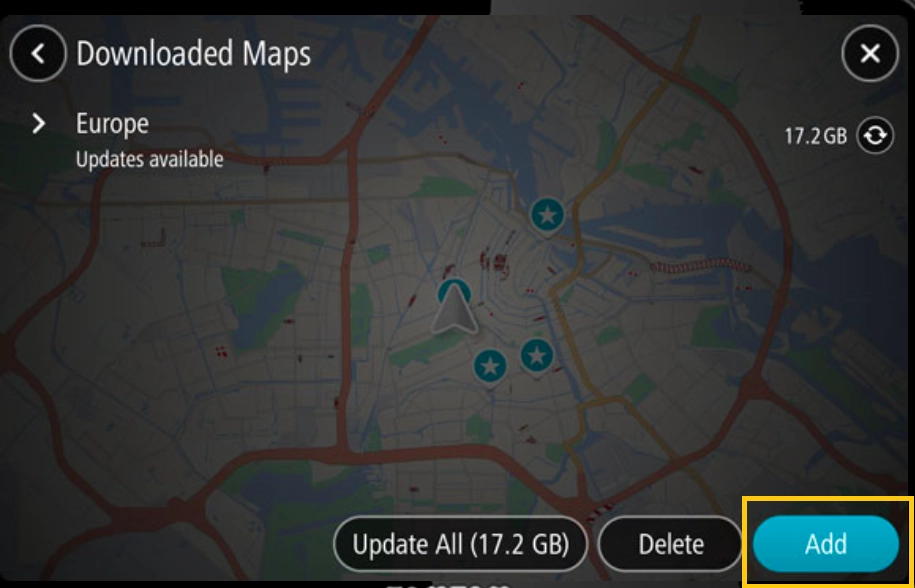
- Tap Downloaded Maps and then Add.
On other Wi-Fi® devices, you may see Add a map directly under Maps.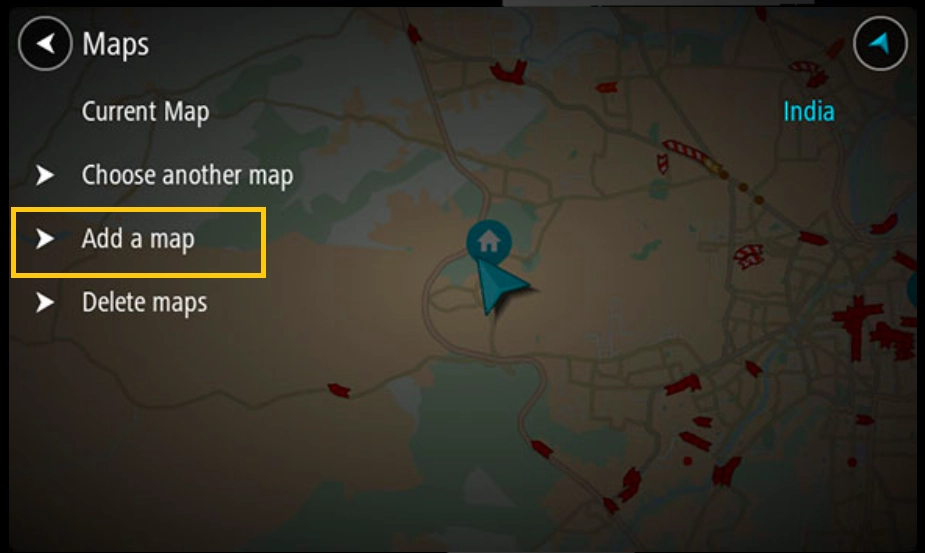
- Find the map from the list and tap Install.
- Keep your device connected to Wi-Fi® while it downloads and installs the map and keep it on charge for large downloads.
- When your device shows that the installation is complete, return to the map.
Note: Newer Wi-Fi® devices automatically switch to the map for your current location.
On other Wi-Fi® devices go to Maps > choose another map to switch the map.