If your navigation device is not starting or is showing a red cross on the screen, the software on your device may not be installed correctly.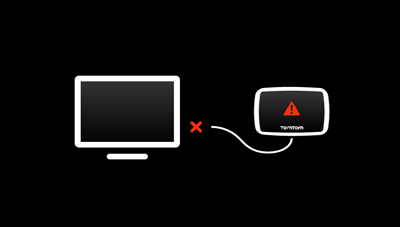
A red cross usually means that the TomTom software installation failed. Recovering the software using MyDrive Connect can resolve the issue.
Note: These steps do not apply to the devices:
GO Superior, GO Expert Plus, GO Expert, GO Exclusive, GO Camper Max, GO Navigator, GO Discover
For detailed instructions, see: Recover your Wi-Fi connected device.
Before you start:
- Charge your device for at least 2 hours.
- Make sure that you are using the latest version of MyDrive Connect.
Try a reset first:
Reset your navigation device and check if your device starts normally. If your device does not start, follow the instructions to recover the software.
Recover your device
- Open MyDrive Connect on your computer.
Click ( or
or  or
or  ) from the Windows notification area or Apple menu bar.
 - Connect the USB cable to computer. Do not connect your device yet.
Note:- Plug the cable directly into a USB port on your computer.
- Do not use USB hub or ports on a keyboard or monitor.
- Use original USB cable if possible. Other cables may not work.
- Press and hold the On/Off button to turn on your device.
- Start recovery mode.
- Keep pressing the On/Off button until your device restarts with a drum sound and you see a black screen with white text.
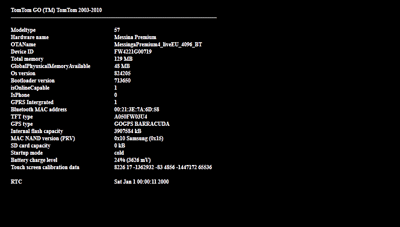
- While the black screen with white text is displayed, quickly press the power button three times (“1-2-3”) within 3 seconds.
- Keep pressing the On/Off button until your device restarts with a drum sound and you see a black screen with white text.
- Your device should restart and show a spinning wheel or cogwheel, depending on your device model. If you do not see it, turn off your device and start the process again.
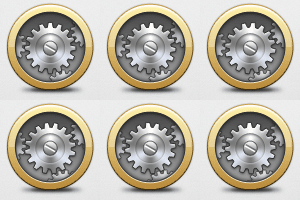

- When the spinning wheel/ cogwheel appears, connect the USB cable to your device.
Note: Do not attach the mount to your device while connecting it to computer. - Keep your device connected to the computer. MyDrive Connect should start restoring the TomTom software automatically. This can take between 5-30 minutes, depending on your internet connection.
- Do not disconnect the device during recovery.
- Even when the download reaches 100%, keep the device connected until it restarts.
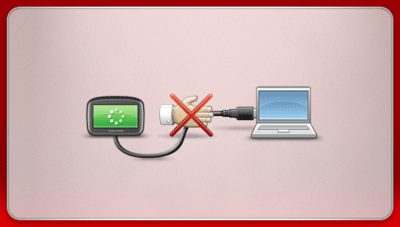
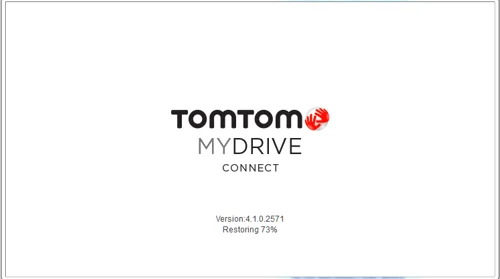
- Once your device restarts, you can disconnect it from the computer. It should now start normally without displaying a red cross.
Watch the video
This video describes how to reset your navigation device in recovery mode if it's displaying a cross or it's not responding. This process only applies to devices that use MyDrive Connect. A recovery mode helps you restore the software that is installed in your navigation device by connecting to the MyDrive Connect application.