If you want to remove a device from your TomTom account, follow these steps.
Wi-Fi®
Removing Wi-Fi® device from your account
- Go to account details and select the Products tab.
- Under My Products, find your device.
- Click the bin icon of the device.
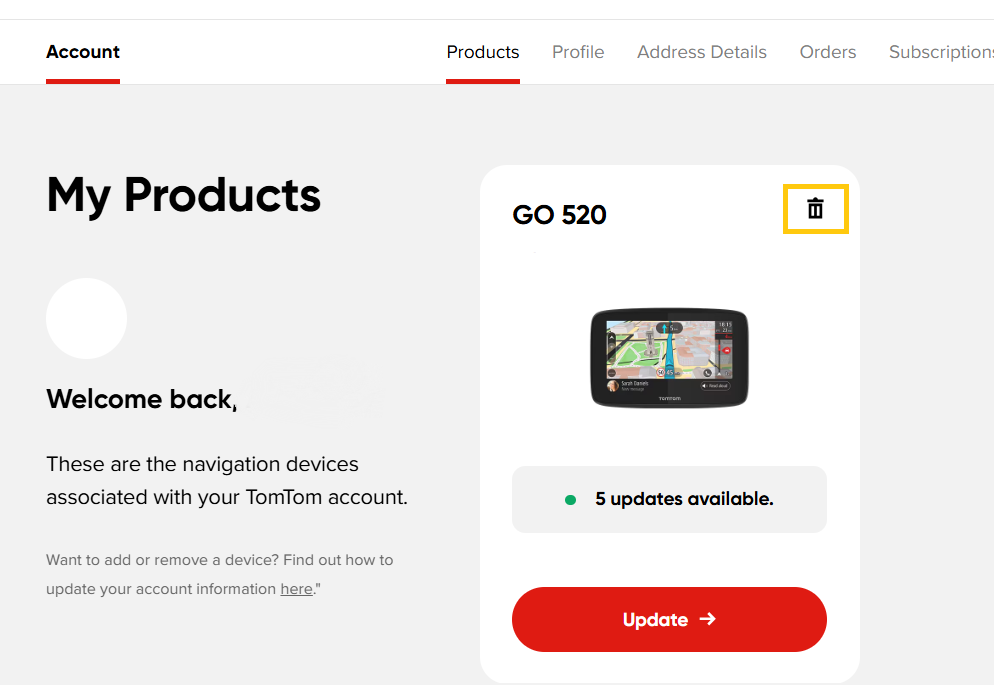
- Logout from your device. On your device, go to Settings> TomTom account> tap stop syncing.
MyDrive Connect
Removing device from your account
- Log in to MyDrive Connect and click the My Devices tab.
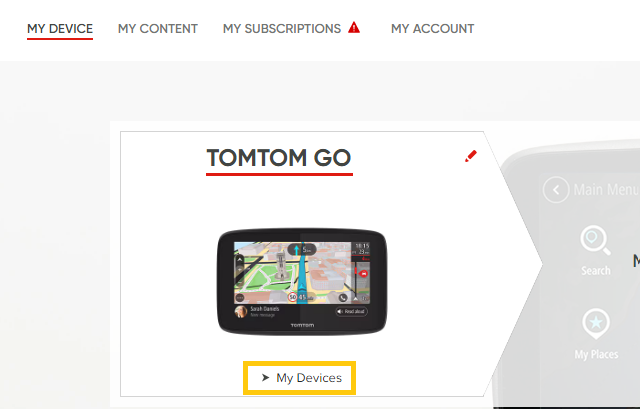
- Find your device and remove it by clicking the bin icon.
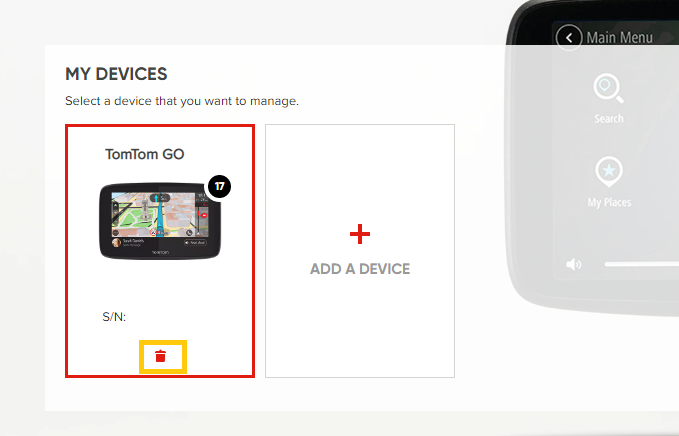
- Reset the device.
Click Reset device for detailed steps.