If you have installed a map zone, you can change to a different zone on your device using MyDrive Connect.
- Connect your navigation device to your computer and open MyDrive Connect. If MyDrive Connect doesn't open automatically, click the MyDrive Connect icon (
 ) from the notification area.
 - Log in with your TomTom account.
- Click MY CONTENT at the top-left corner.

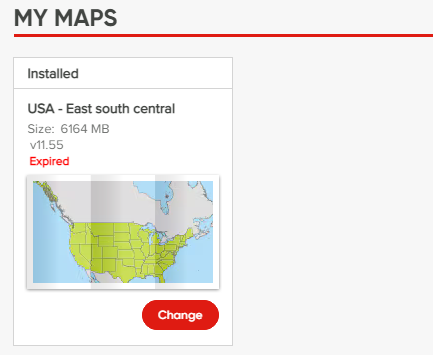
- If you have a map zone installed, you can see under MY MAPS which map zone currently is installed on your device and click Change to install a different map zone.
- Choose a zone from the list of the available map zones and click Continue.
- Click Install to confirm your choice.
Watch the video
This video shows how to update or change the installed maps for your device, and how to install a brand new map. The steps shown in this video apply to all devices that update with MyDrive Connect. For more information on freeing up space on your device, click this link .